API Bridge
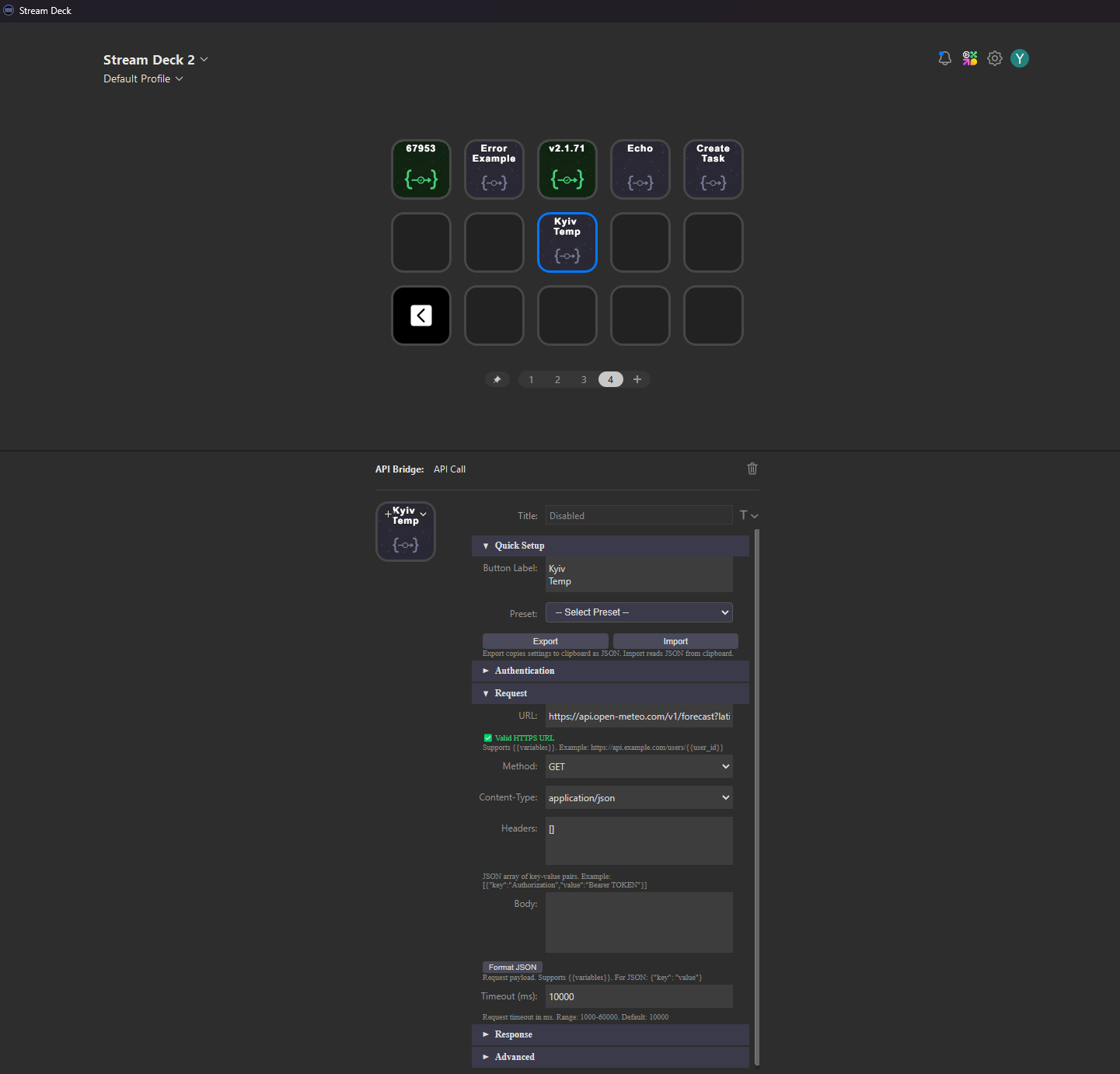
Universal HTTP/REST client for Elgato Stream Deck. Configure any API call on a button — press to fire, see the result.
Get on MarketplaceFeatures
Any HTTP Method
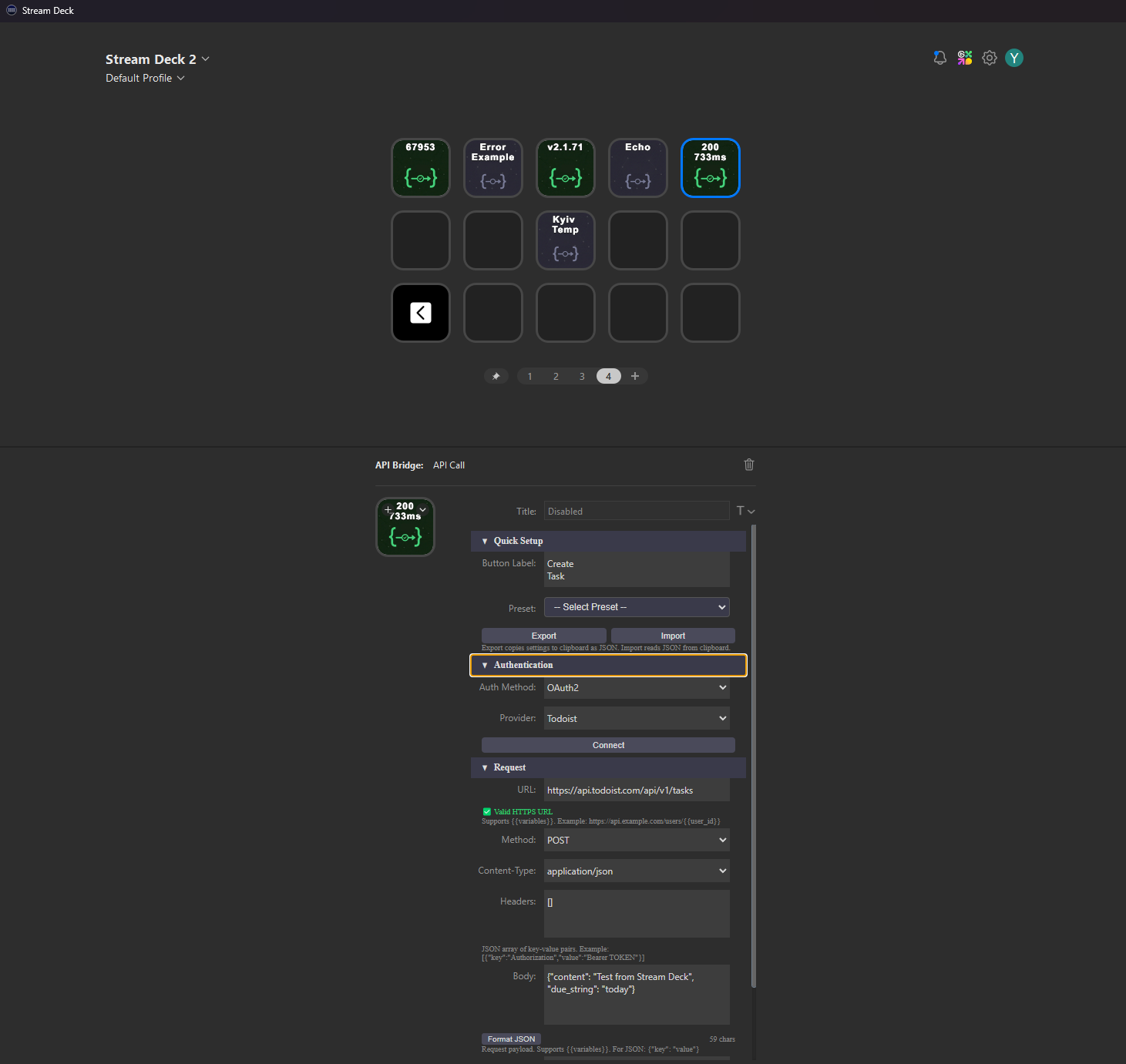
GET, POST, PUT, PATCH, DELETE, HEAD — full REST support with custom headers and body.
Response Parsing
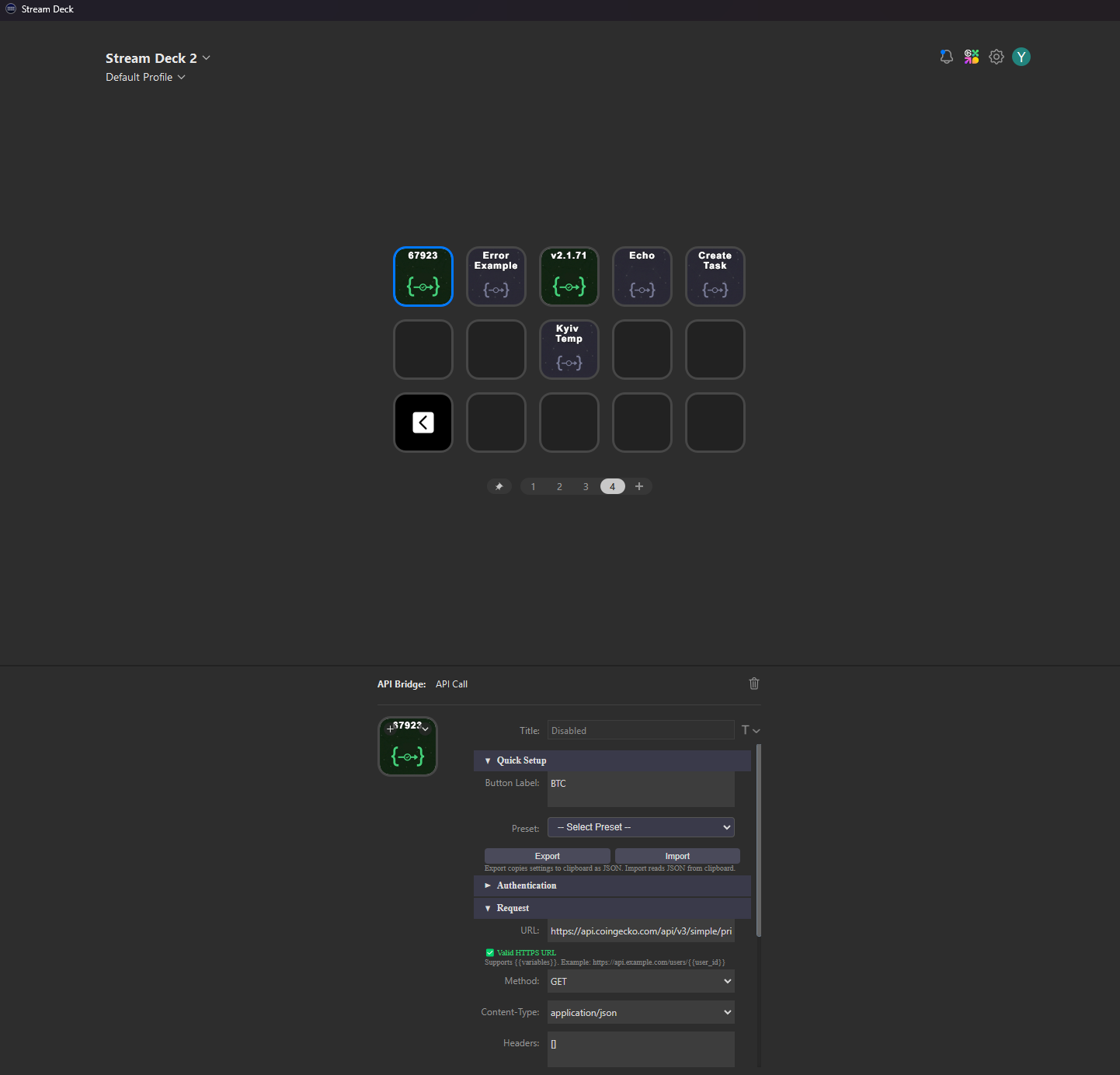
Extract values with JSONPath or Regex. Display parsed data directly on your Stream Deck key.
Variable Chaining
Save API responses as variables. Use them in other buttons to build multi-step workflows.
OAuth2 & Auth
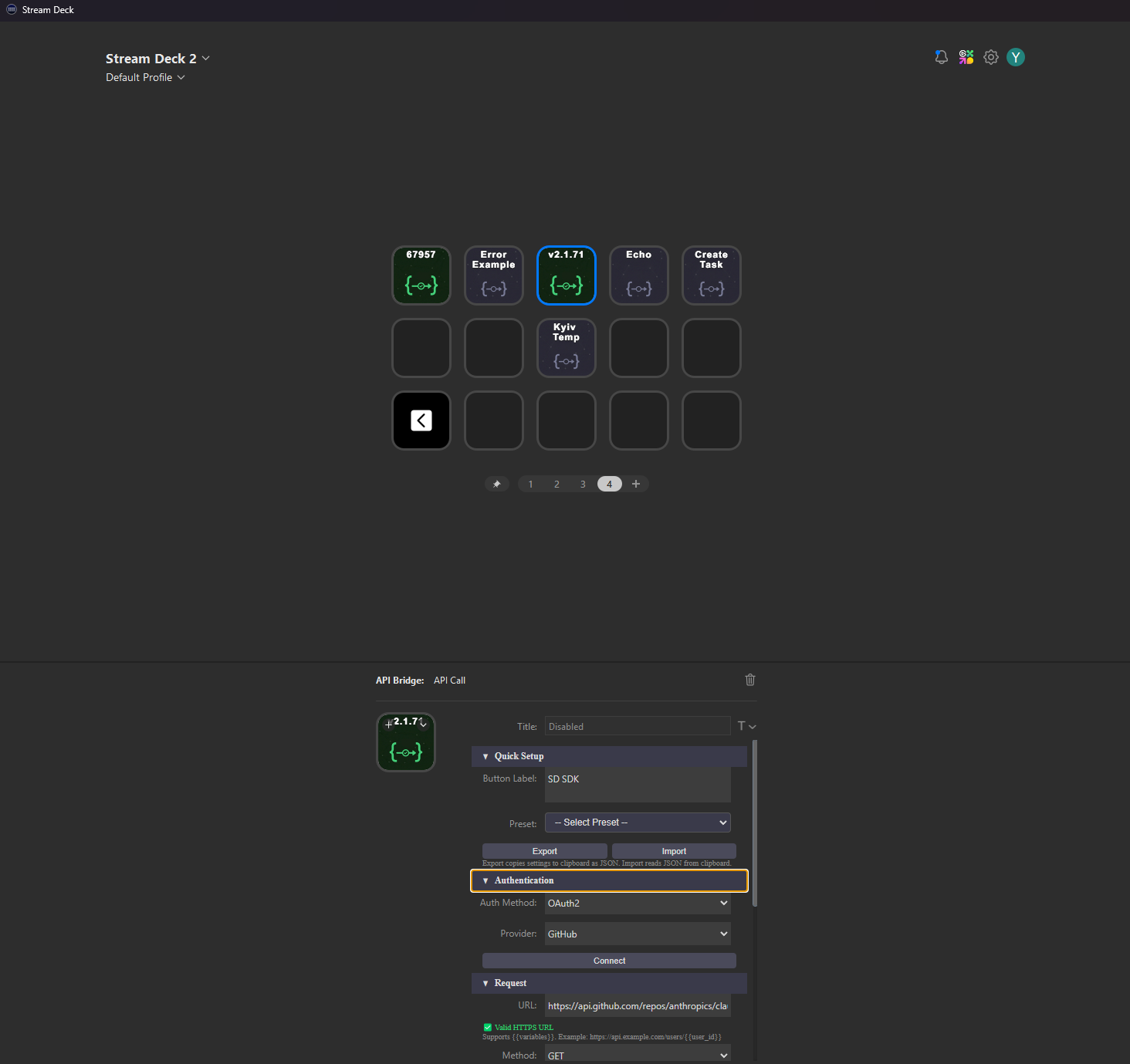
Connect to GitHub, Spotify, Notion, Todoist with one click. Bearer tokens and API keys supported.
25+ Presets
Ready-to-use templates for Discord, Slack, Home Assistant, Jenkins, and more.
Auto-Refresh
Set polling intervals to monitor APIs. See live data on your keys — crypto prices, build status, weather.
How It Works
Install
Download API Bridge from the Elgato Marketplace and add it to your Stream Deck.
Configure
Set the URL, method, headers, and body. Or pick a preset for popular services.
Execute
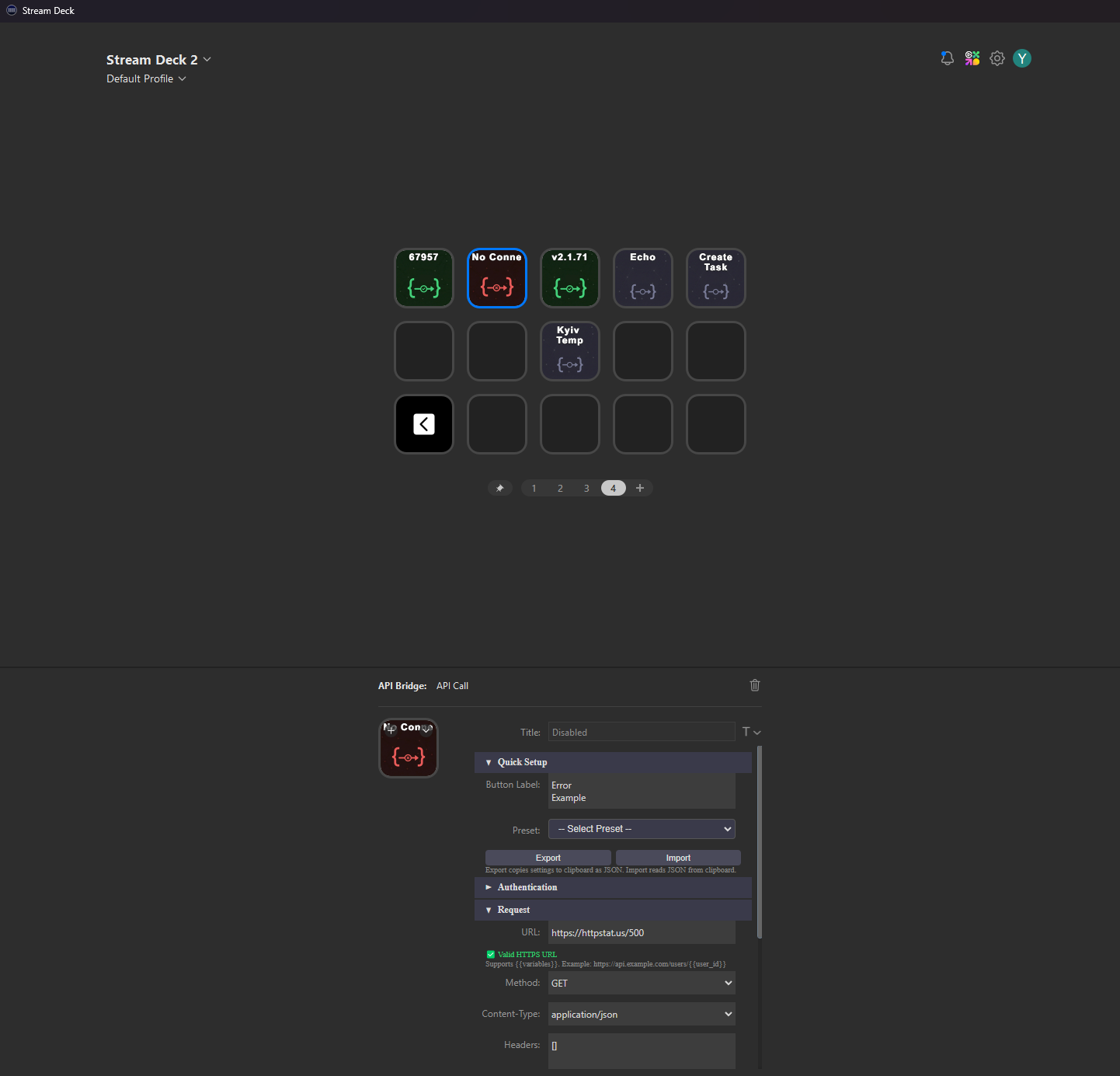
Press the button. See the result on your key — status codes, parsed values, or custom display.
Screenshots